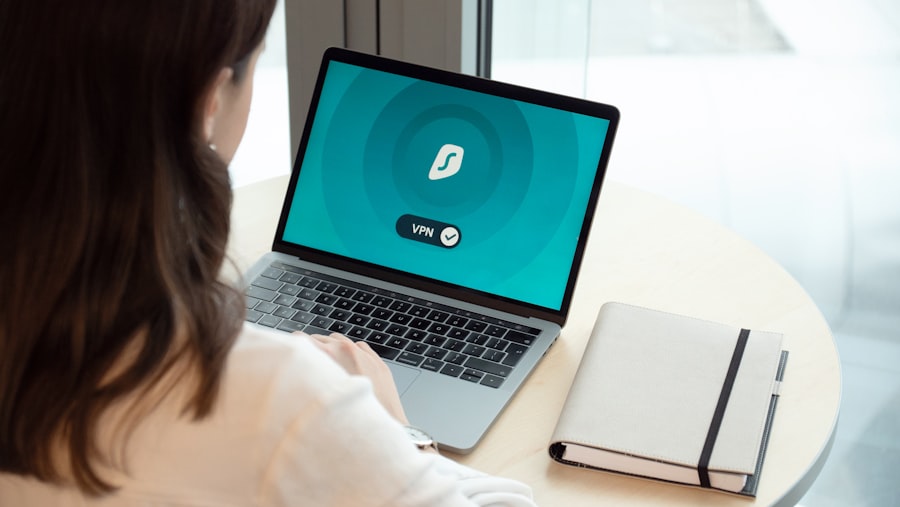
The businesses we audit that went fully remote between 2020 and 2022 tend to share a particular pattern. The move was made quickly — because it had to be. Laptops were sent home, video call accounts were set up, and operations continued. The IT supplier helped with the practical logistics.
The controls that didn't make it through are consistent enough that we now treat them as a standard checklist rather than individual findings.
Multi-factor authentication gaps
This is the most consistently present gap. When a business moves to remote work, email and cloud systems suddenly become the primary way to access everything. They were not always configured with multi-factor authentication when they were primarily used from within an office network.
The risk is straightforward: a compromised password is now sufficient to access everything, because there is no office network to provide a second layer of verification by proximity. Setting up MFA on email and any cloud services is the first thing to address.
For Microsoft 365 and Google Workspace — which is where most small businesses sit — MFA can be enforced at the account level without any cost beyond the admin time to configure it. There is no good reason to leave it off.
Home router configurations
When staff work from home, the router at their home address is part of the business's network perimeter. Most home routers are set up with default admin credentials and default network names. These defaults are published. Finding a home router with unchanged admin credentials takes a few seconds.
This does not need a technical solution. It needs a short written instruction sent to all staff: change the admin password on your home router, and change the network name so it does not include the router model. A brief guide covering the steps — they are broadly similar across major router brands — resolves this without needing anyone to visit each home.
Personal devices and the absence of policy
When home working started, some staff began using personal laptops or tablets to access business systems. In some cases this was deliberate. In others it happened because the business laptop developed a fault and the quickest solution was to use whatever was available.
Personal devices are outside the business's control. They may not have current antivirus. They are shared with other household members. The browser history, saved passwords, and downloaded files exist on a device the business has no ability to manage or recover if it is lost.
The policy position does not need to be "personal devices are banned." It needs to be written down, whichever position the business takes. "Staff may use personal devices for email and calendar only, not for accessing shared drives or client data" is a reasonable position for many small businesses. Whatever it is, it should be explicit.
Offboarding when someone leaves
In an office environment, when someone left, the physical element — returning keys, passes, equipment — created a natural prompt to also remove their system access. Remote offboarding removed that prompt.
The result is that when we audit businesses that have had staff turnover during a period of remote work, we fairly frequently find active accounts belonging to people who left months ago. Those accounts have full access to email history, shared drives, and client data.
The fix is a written offboarding checklist: a list of every system that needs access removed, in a document that someone is responsible for completing when each departure happens. Most businesses have five to fifteen systems on that list once they count carefully. The checklist takes twenty minutes to compile and removes the reliance on memory.
Cloud file sharing permissions
Moving to remote work typically prompted an expansion of cloud storage use. Files that previously lived on a server in the office moved to OneDrive, SharePoint, Google Drive, or Dropbox. The sharing settings that were applied at the time were not always reviewed afterwards.
The most common issue is broad permissions: folders shared with "anyone with the link" rather than specific named people, or entire drives shared at the organisational level when only a subset of staff needed access. Neither of these is automatically a problem, but they represent a larger exposure than most business owners realise.
A review of sharing settings in whatever cloud storage platform you use is worth an hour of attention. The question to answer for each shared folder: who actually needs access to this, and does the current setting match that?
What to address first
If none of this has been addressed since the move to remote work, the order of priority is roughly: MFA first, then offboarding checklist if there have been departures since remote work started, then the personal device policy, then cloud sharing permissions, then home router guidance for staff.
The MFA and offboarding items are worth treating as urgent. The others are important but involve less immediate exposure while they remain unaddressed.